Using the bench
Photoreal mode
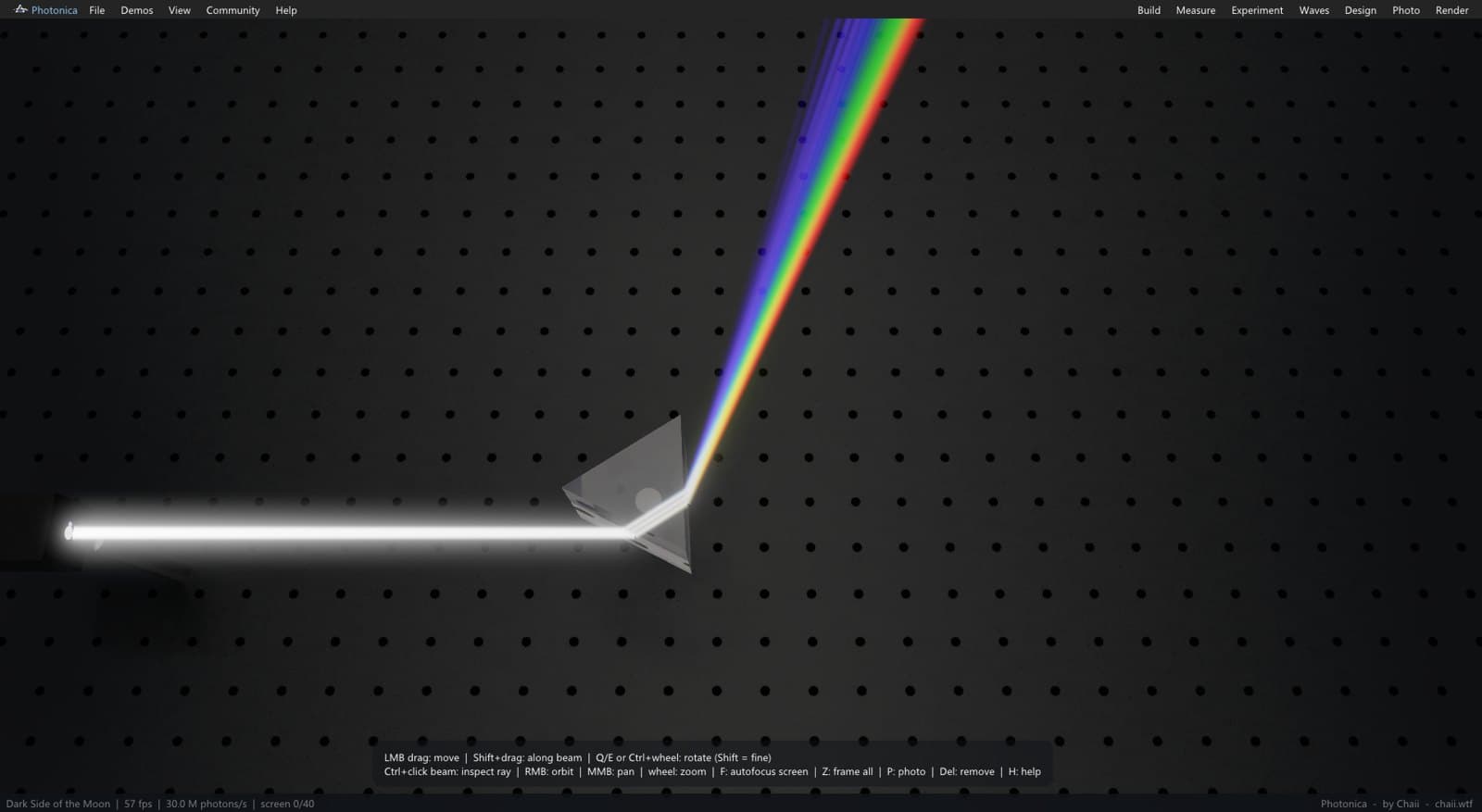
Press P. The same physics, rendered as a photograph instead of a diagram — caustics where the light piles up, glow where it passes through haze, and colour that comes from wavelengths rather than paint.
The Photo panel
| Setting | Does |
|---|---|
| Exposure | Overall image brightness, like a camera |
| Haze | Scattering density of the air: makes the beams visible. Also dims and softens a beam with distance, the way real haze does — see the note on haze |
| Laser power | Display gain for the beams themselves (not the physical mW) |
| Key light | The hard light that casts shadows across the table |
| Studio lights | Soft ambient fill |
| Bloom | Glow around the brightest highlights |
| Aperture / Focus distance | Camera depth of field — open the aperture to throw the background out of focus |
| Screen exposure | Brightness of the pattern on the screens alone |
| Beam glow / Beam lines | Whether the schematic ray lines are drawn on top |
| Photons / frame, Caustic photons | How much light is traced per frame. Higher is cleaner and slower |
| Denoise | Smooths the remaining noise while the image converges |
Converging
Photo mode accumulates: every frame adds more light paths, and the status bar tells you how many million photons have landed and whether the screen has converged. Stop moving the camera and the picture cleans itself up. Moving anything starts the accumulation again.